Homeowners decide quickly whether to call a contractor. On your website they want to know three things: do you do what I need, do you work in my area, and can I trust you? Good contractor website design answers all three before the visitor has to scroll far.
Use this contractor website design checklist to review your current site, or as a brief when you hire a web designer or pick a website builder. The same basics apply to general contractors, HVAC companies, plumbers and roofers; the section after the checklist covers what changes by trade.
Contractor website design checklist: above the fold
- What you do and where, in one line. "Heating, cooling and water heater service in Boulder County" beats "Quality you can trust."
- A click-to-call phone number in the header, visible on every page and tappable on phones.
- A clear primary button such as "Book a service call" or "Get a free estimate".
- Proof at a glance: star rating and review count, years in business, licensed and insured.
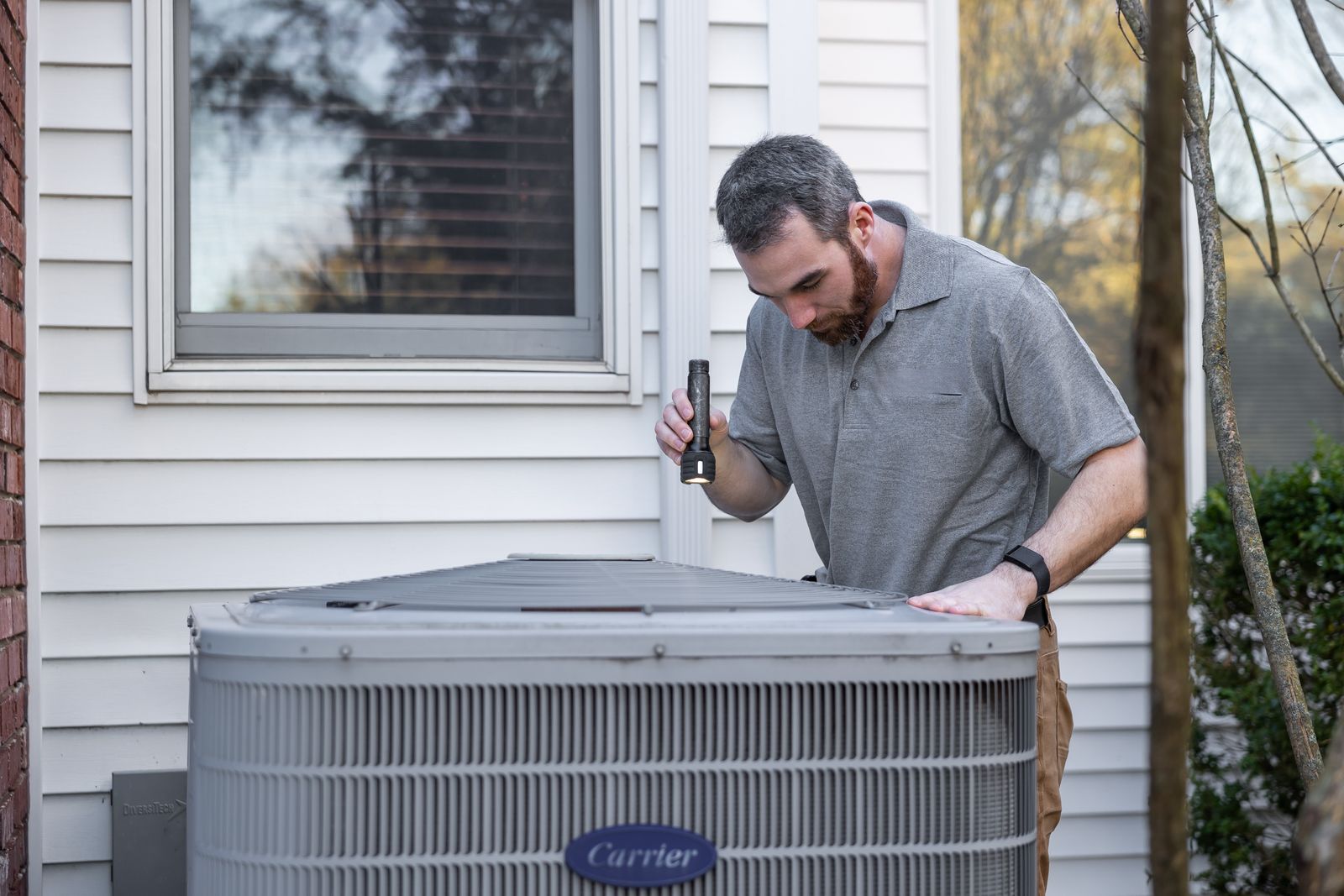
- A real photo of your team, trucks or work instead of stock images.
Pages you need
- One page per main service. Separate pages for AC repair, furnace installation and water heaters let each page answer one need clearly, and give search engines a specific page to show for each search.
- A service area page or section listing the towns, counties or ZIP codes you cover. See our guide to service area pages before you create one page per town.
- About page with the owner's story, the team and your licenses. Homeowners are letting you into their house, so they want to see who you are.
- Reviews or testimonials page with real customer names and towns (with permission), or an embed of your Google reviews. Our guide to getting more Google reviews covers how to build them up.
- Projects or gallery page with before-and-after photos, especially for roofing, remodeling and landscaping.
- Contact page with phone, email, hours, a short form and your service area.
Trust signals
- License numbers where your state requires or allows them to be shown.
- Warranties and guarantees explained in plain language.
- Manufacturer certifications and associations, such as dealer programs for the equipment brands you install.
- Financing options, if you offer them, for big-ticket jobs like new systems or roofs.
Technical basics
- Fast on phones. Many homeowners will find you on a phone. Compress images, avoid heavy sliders and auto-playing video, and check your pages with Google's PageSpeed Insights. Google's Core Web Vitals guidance explains the loading, responsiveness and visual stability measures it uses.
- HTTPS on every page. Browsers such as Chrome label pages without it "Not secure".
- Consistent name, phone (and address, if you show it) that match your Google Business Profile exactly.
- Unique titles and descriptions for each page, written the way customers search: "Water Heater Installation in Aurora, CO | Smith Plumbing".
- Call and form tracking, so you know which pages and campaigns produce jobs.
What changes for HVAC, plumbing and roofing websites
HVAC website design
Demand swings with the weather, so the home page should make it easy to switch emphasis between heating and cooling by season. Maintenance plans are worth their own page: they bring recurring revenue and give visitors a reason to sign up before anything breaks. Financing matters for system replacements. More in our guide to HVAC website design.
Plumbing website design
Many plumbing visits are urgent. Put the phone number and a "call now" button at the top of every page on mobile, state clearly whether you offer emergency or after-hours service, and list the problems you fix (clogged drains, water heaters, leaks) in the words customers use. More in our guide to plumbing website design.
Roofing website design
Roofing is a considered purchase, so roofer website design has to do more persuading than most trade sites. A strong project gallery with before-and-after photos, the materials you install, warranty details, financing and a clear explanation of how you handle storm damage and insurance claims (if you do) matter most.
General contractor website design
For remodelers and builders, the portfolio is the product. Organize projects by type (kitchens, additions, new builds), explain your process from estimate to handover, and show how you communicate during a project.
Web designer or the best website builder for contractors?
A website builder costs less and lets you make changes yourself, which suits a small shop that mainly needs the basics above. If you hire someone, look for web design for contractors specifically: a designer who already knows service pages, click-to-call and local SEO. It costs more, but they can handle the structure, copy and local SEO for you. Either way, check the result against this checklist, and make sure the domain and hosting are in your company's name. If you're building on WordPress, our comparison of web hosting for small business websites covers intro vs. renewal prices.
Common mistakes
- A home page about you, not the customer. Lead with the problem you solve and the area you serve.
- Hiding the phone number behind a contact page or in the footer.
- One "Services" page listing everything in a paragraph. It helps neither customers nor search engines.
- Stale content, such as a "latest news" post from four years ago or seasonal promotions that ended long ago. It makes the business look closed.
- Letting a web designer own the domain. Make sure the domain and hosting accounts are in your company's name.
Where to start
If your site is missing several of these points, fix them in this order: the click-to-call phone number and the one-line summary, then one page per main service, then reviews and photos, then speed. Each step makes the site more likely to turn a visitor into a phone call.
For how your website works together with your Google listing, see our guide to setting up a Google Business Profile for contractors.