A landscaping website has two very different visitors. One wants the grass cut every week and cares about price, reliability and whether you serve their street. The other is planning a patio, a planting plan or a retaining wall, and wants to see what you've built before they ask for a design. A good landscaping website serves both without making either one dig, and it changes with the seasons, because spring cleanups, fall aeration and snow removal sell at different times of year.
This guide covers what's specific to landscaping and lawn care websites. For the basics every contractor site needs, see our contractor website checklist.
The top of the page: two paths and one clear next step
On a phone, without scrolling, a visitor should see:
- What you do and where. "Lawn care and landscape design in Franklin, Brentwood and Nolensville."
- Two paths. "Lawn care and maintenance" and "Landscape design and installation", as two big buttons or blocks. A homeowner who wants weekly mowing shouldn't have to scroll past patios to find it.
- One main action. "Get a quote", plus a tappable phone number that stays visible as they scroll.
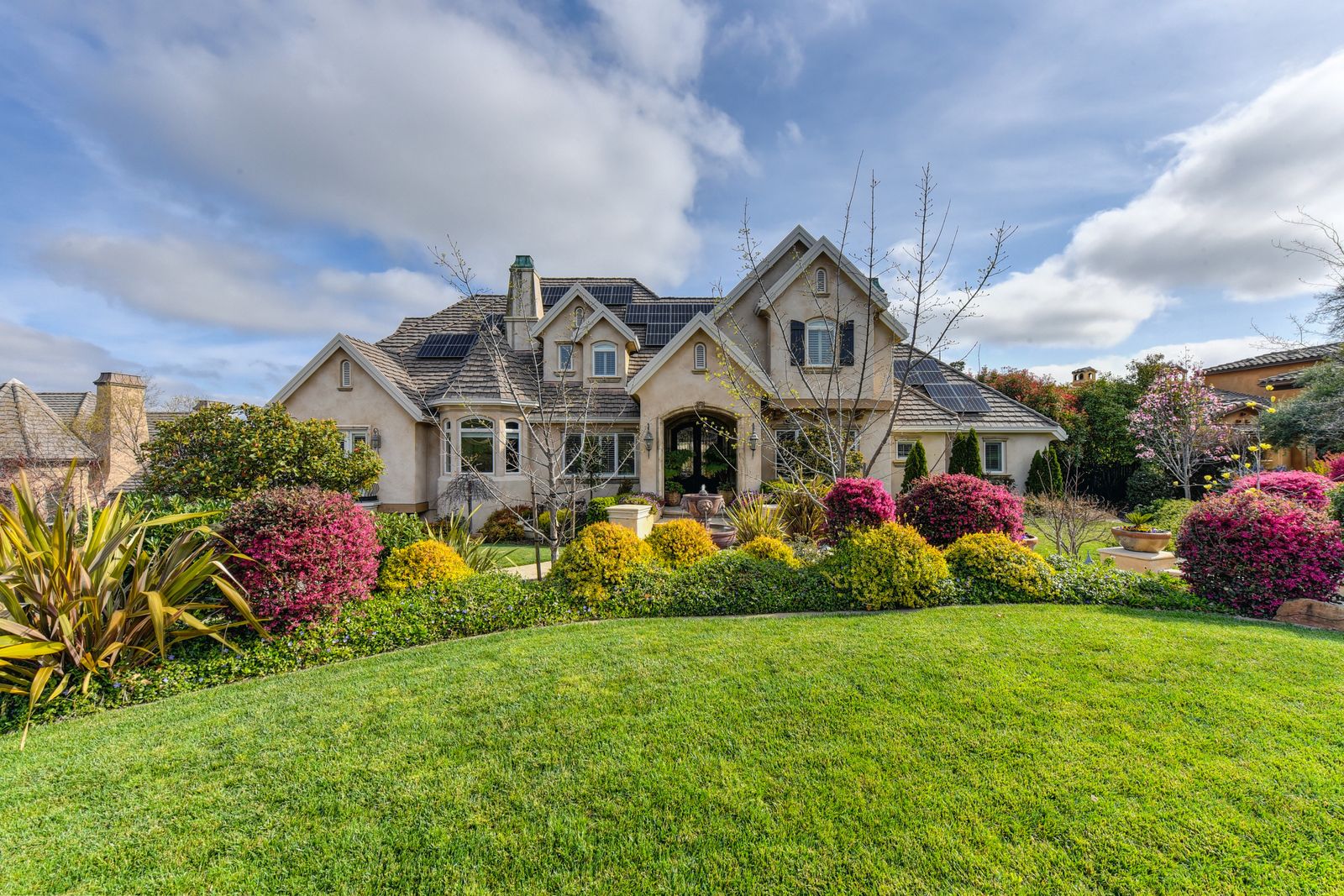
- Proof. Your Google rating and review count, and one strong photo of a yard you actually did.
Avoid stock photos of perfect gardens you didn't build. Homeowners are judging your work, and they can often tell.
The pages a landscaping website needs
Give each service people search for its own page, so a homeowner searching "aeration and overseeding" lands on a page about exactly that.
Lawn care and maintenance
- Lawn mowing and edging
- Fertilization and weed control
- Aeration and overseeding
- Spring and fall cleanups, leaf removal
- Shrub and hedge trimming, mulching
- Maintenance plans for homes, HOAs and commercial properties, if you serve them
Landscape design and installation
- Landscape design
- Planting: trees, shrubs, beds
- Hardscaping: patios, walkways, retaining walls, fire pits
- Irrigation installation and repair, if you do it
- Sod installation, drainage, outdoor lighting, if you do them
Seasonal services, if you offer them: snow removal, holiday lighting, winter pruning
Supporting pages
- Portfolio (more below)
- Maintenance plans: what's included, how often, how billing works
- How design projects work: consultation, design, quote, installation, what happens in between
- Service area with the towns you cover; see our guide to service area pages
- Reviews
- About, with real photos of your crew and equipment
- Contact, with phone, hours, service area and a short form
Maintenance pages should say what's included in a visit, how often you come, what happens when it rains, and how to start. Design-build pages should show finished projects, explain your process, and give a realistic idea of timelines.
Maintenance vs design-build: two different sales
A lawn care customer is buying a routine. They want to know what's included, how often you come, how they pay, and whether you'll show up. Clear service lists, a simple quote form and autopay sell this.
A design-build customer is buying a vision and a big project. They want to see your past work, understand your design process, and trust you with their yard for weeks. Galleries, project stories and a consultation request sell this. If you show a drawing or 3D rendering before you build, say so on the page; our guide to landscape design software compares the tools landscapers use.
If you do both, keep them separate in the menu and on the home page. If you only do one, build the whole site around it.
A portfolio that sells design-build work
For landscapers who install, the portfolio is the most persuasive page on the site. For each project:
- Before and after photos from the same spot, plus a "during" shot for hardscapes, where the base and drainage work show quality
- Photos in different seasons if you have them: a planting plan looks different in May and in October
- The town and the job: "Paver patio, seat wall and new beds in Brentwood", naming the materials you actually used
- One or two sentences on what the homeowner wanted and how long it took
Group projects by type (patios, retaining walls, planting, full yard makeovers) so a homeowner planning a patio can go straight to patios.
Google's image guidelines recommend short, descriptive file names, useful alt text, and placing images near relevant text. A file named "brentwood-paver-patio-after.jpg" says more than "IMG_4471.jpg", and alt text that describes the yard helps both Google and screen-reader users. Compress every photo: a portfolio of full-size camera files will crawl on a phone.
Make the site follow the seasons
Landscaping demand moves through the year, and the site should move with it:
- Late winter: spring cleanup and mowing season sign-up on the home page
- Spring: mowing plans, fertilization, mulch, planting
- Summer: irrigation, patios and outdoor living projects
- Fall: aeration and overseeding, leaf cleanup, fall planting
- Winter: snow removal and holiday lighting where you offer them, and booking next year's design projects
Swap the main banner and the featured service on a schedule, and keep each service page live all year so it can build up in search. For seasonal offers that fill the route, see our landscaping marketing ideas.
Quote forms that tell you about the property
A good landscaping quote form helps you decide, before calling back, whether the job fits your route and your crew. Ask for:
- Name and phone, and email if they prefer it
- Property address, so you can check the lot and the location against your route
- Services wanted, as checkboxes: mowing, cleanup, mulch, aeration, design, patio
- How often, for maintenance: weekly, every two weeks, one-time
- Approximate property or lawn size, as a simple choice (small, medium, large, or ranges in acres) rather than a required number most homeowners don't know
- Photos, optional, for design and cleanup jobs
- Timeline, for design-build: this season, next season, just planning
Keep the required fields to the few you really need. For maintenance, some landscapers also let customers book a first visit or pick a plan online through their scheduling software.
Trust signals that matter for landscapers
- Pesticide applicator license, if you apply fertilizer with weed control or other pesticides. Federal law requires anyone who applies or supervises the use of restricted use pesticides to be certified, and EPA notes that many states require certification for all commercial pesticide use. Show your license number on the site.
- Your license number for irrigation or landscape contracting where your state licenses that work, and proof of insurance
- A warranty on plants and hardscapes, in plain terms
- Real photos of your crew and trucks, uniforms and equipment
- Recent reviews that mention specific jobs and towns; see how to get more Google reviews
Features that turn visits into customers
- Quote request on every page (see above), and a consultation request on design pages
- Click-to-call on every page
- Maintenance plans with autopay, if you offer them, explained on their own page
- Financing on design-build pages for big projects; see contractor financing for customers
- Call and form tracking, so you know which pages and campaigns bring customers
Speed and technical basics
Google's Core Web Vitals guidance gives concrete targets: the main content should load within 2.5 seconds, interactions should respond in under 200 milliseconds, and the layout shift score should stay under 0.1. Big portfolio photos and sliders are what usually push landscaping sites past those numbers, so resize and compress images and test your home page and portfolio with PageSpeed Insights on mobile.
Give every page a unique, descriptive title, as Google's SEO Starter Guide recommends, such as "Aeration and Overseeding in Franklin, TN | {Your Company}", and make sure your business name, address and phone number match your Google Business Profile exactly.
Website builder or a landscaping web designer?
A website builder costs less and lets you swap seasonal banners and add projects yourself. It's enough for a small lawn care company that needs the service pages, a quote form and a service area page.
A web designer who already builds landscaping or contractor sites costs more, but can handle structure, copy, photography, speed and local SEO, and is often worth it for a design-build company whose portfolio does the selling.
Either way:
- Keep the domain and hosting in your company's name.
- Ask to see landscaping websites they've built and open them on your phone. The best landscaping websites lead with real projects and make the quote button easy to find.
- Make sure you can add projects and change seasonal offers yourself.
Landscaping website design checklist
- What you do and where, two clear paths (maintenance and design-build), and a quote button on every page
- One page per service you offer, including seasonal services
- Portfolio grouped by project type, with before-and-after photos, towns and materials
- Maintenance plan page and a page explaining your design process
- Quote form with address, services, frequency and property size
- Service area page with the towns you cover
- Pesticide or other licenses, insurance, warranty and reviews
- Seasonal banner and featured service changed on a schedule
- Photos compressed; Core Web Vitals checked on mobile
- Unique titles, details matching your Google Business Profile
- Domain and hosting in your company's name
A good website works best with steady leads behind it: see our landscaping marketing ideas, our local SEO guide for contractors, which has a section for landscapers, and our comparison of web hosting for small business websites if you build on WordPress.