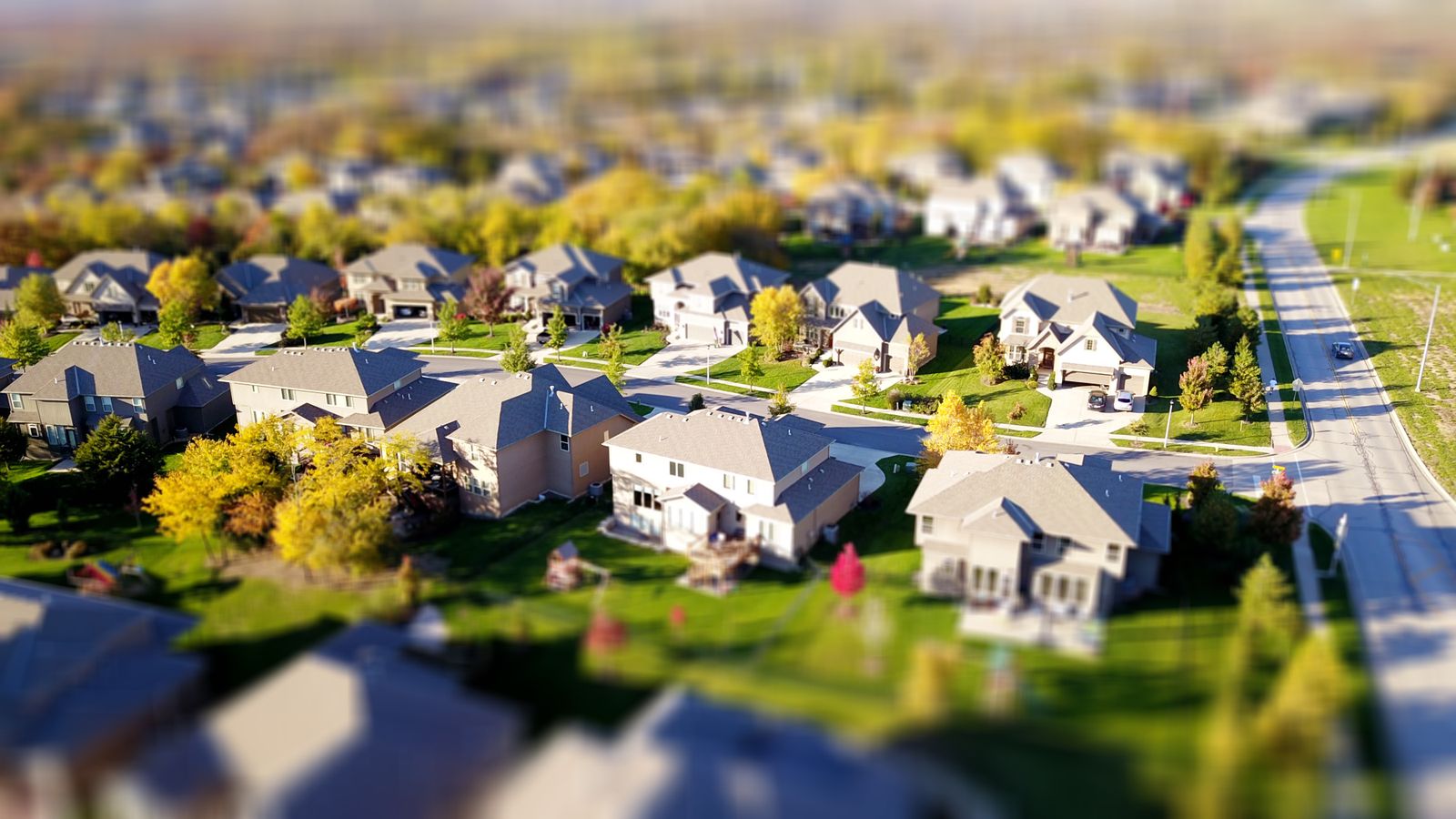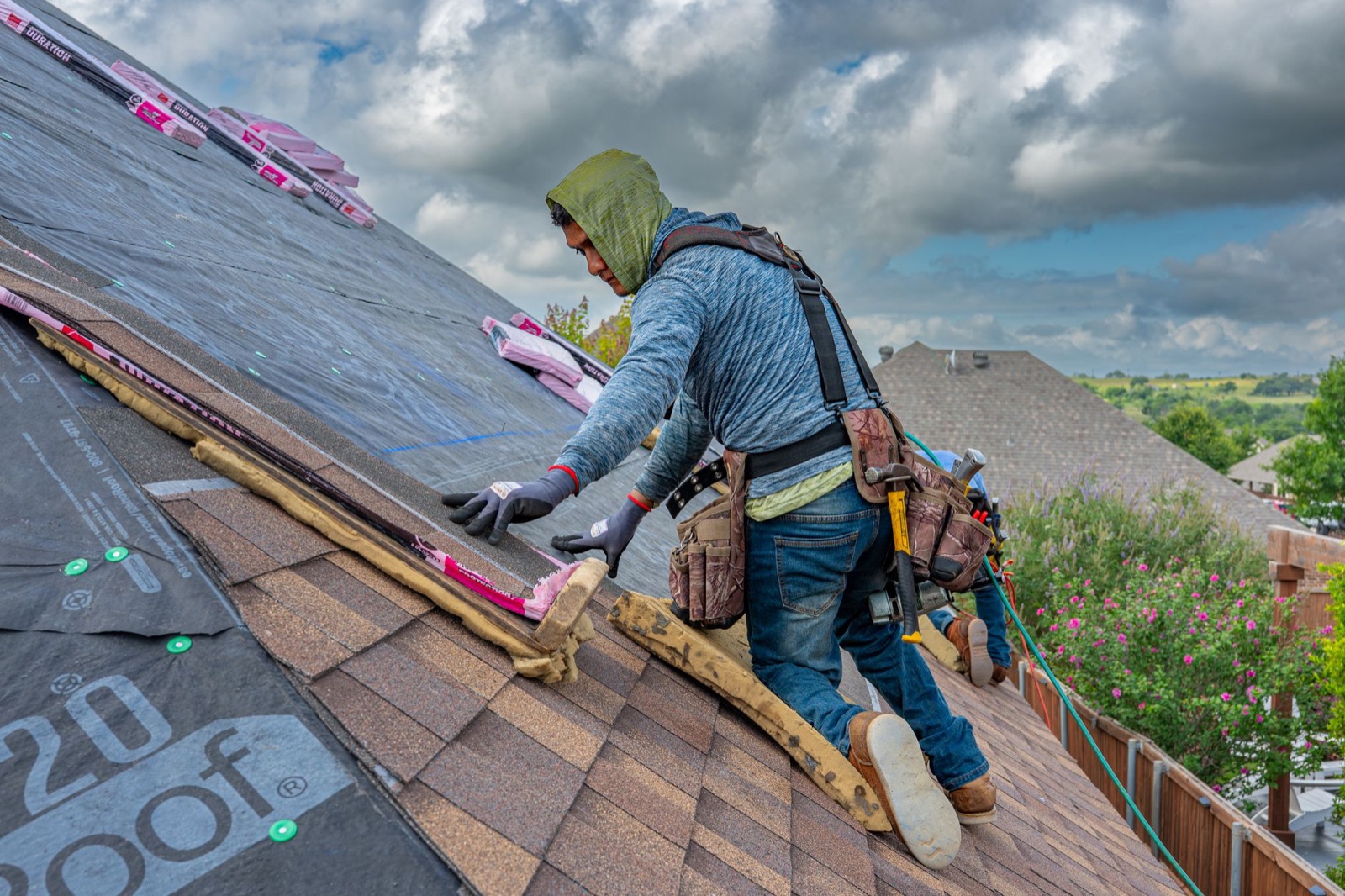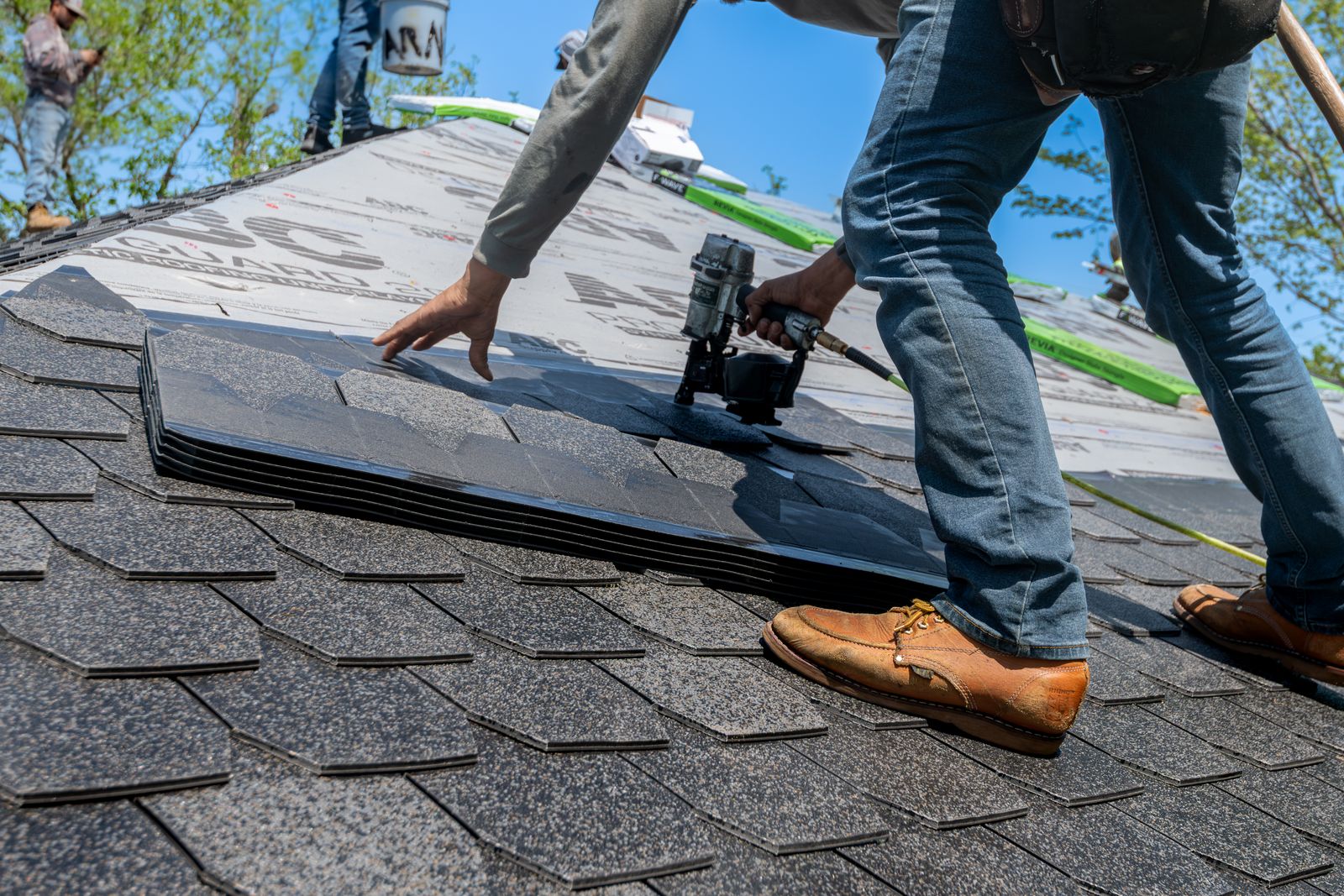
Roofing searches come in three kinds, and Google Ads for roofers work best when you treat them differently. "Roof leak repair" is urgent: water is coming through the ceiling and the homeowner calls the first roofer who looks trustworthy. "Roof replacement" is planned and expensive: the homeowner gets three quotes and may take weeks to decide. And after a hailstorm, searches for "hail damage roof inspection" jump in a few ZIP codes overnight. One campaign called "Roofing" can't handle all three well.
This guide covers how to set up Google Ads for a roofing company so the budget goes to inspections and contracts, not to job seekers and DIYers.
Google Ads vs Local Services Ads for roofers
Roofers have two kinds of Google ads:
- Local Services Ads: you pay for leads, not clicks, and need to pass Google's screening for the Google Verified badge. "Roofers" is one of the eligible categories in the United States. Little to manage, less control. See our guide to Google Local Services Ads cost.
- Google search ads (most of this guide): you pay per click, choose the keywords, write the ads and pick the landing page. More control, more work.
What changed for roofers in 2026
Google is moving Local Services Ads into Google Ads. Existing campaigns are migrated automatically to a Performance Max campaign type with pay-per-lead goals, and the first phase, from August 2026, covered select home service advertisers in the United States, with roofing among the examples Google names. Other service-area businesses follow later in 2026, and the remaining categories in 2027. According to Google's help page:
- Your Google Verified badge moves with you automatically, and insurance and license reverification are no longer required.
- Past leads carry over, but reports don't. Save your performance data before your account migrates. Google emails the account administrator 14 days before the migration, with a reminder at 7 days.
- Weekly budgets become daily budgets (the weekly budget divided by seven), and manual bidding such as a maximum cost per lead is no longer available.
- New pay-per-lead campaigns can't be created inside Google Ads yet; they still start from Local Services Ads.
After the move, check the budget, bidding target, service areas and schedule. Allow up to two weeks for the migration to finish.
Step 1: Split campaigns by job, not by "roofing"
Give each kind of job its own campaign and budget, so an expensive storm week can't eat the money meant for replacements:
- Repair and leaks: roof leak repair, emergency roof repair, missing shingles, flashing repair. Urgent, lower ticket, lots of calls.
- Replacement: roof replacement, new roof cost, reroofing, shingle roof installation. Your highest ticket and longest decision.
- Storm and hail damage: paused most of the year, switched on after a storm (see Step 5).
- Other roof types you install: metal roofing, flat roof or commercial roofing, tile. Only if you do them.
Step 2: Choose roofing keywords and match types
Google offers three keyword match types: broad (the default, written as roof replacement), phrase ("roof replacement") and exact ([roof replacement]). Broad match reaches the widest set of related searches. In our view, a new roofing campaign is easier to control with phrase and exact match on your core services, adding broad match later once conversion tracking shows which searches turn into inspections.
Keywords worth testing for most roofing companies:
- roofer near me, roofing company, roofing contractor, local roofers
- roof replacement, new roof, reroof, roof replacement cost
- roof repair, roof leak repair, emergency roof repair
- hail damage roof, storm damage roof repair, roof inspection
- metal roofing, flat roof repair, commercial roofing (only if you do them)
"Roof replacement cost" searchers are often early in the decision. Send them to a page that explains what drives the price and offers a free inspection.
Step 3: Add negative keywords before you launch
Negative keywords stop your ads from showing on searches you don't want to pay for. A starting list for roofers:
- Jobs and training: jobs, hiring, career, salary, roofer apprentice, roofing school, adjuster jobs
- DIY and how-to: how to, diy, youtube, video, tutorial, install yourself
- Materials and stores: shingles price per bundle, roofing nails, roof cement, supply, home depot, lowes
- Services and roof types you don't do: tile, slate, solar, commercial, gutters, skylights (if they aren't yours)
Then review the search terms report every week for the first couple of months and keep adding.
Step 4: Target the area your crews can reach
Set locations to the towns, ZIP codes or radius you serve. Google lets you target postal codes, cities and regions, or a radius around an address, and the radius must be at least 1 km. Then check the location options. Google's default and recommended option, "Presence or interest," also reaches people who have shown interest in your area. "Presence" shows ads to people who are likely to be located, or regularly located, in the places you target. For a roofer who can only work where the trucks can go, "Presence" is usually the better fit.
Step 5: Have a storm campaign ready before the storm
The roofers who do well after a hailstorm set up their storm ads in the quiet months:
- Build it now and keep it paused, with ads, keywords and a storm damage landing page already approved.
- When a storm hits, target the affected ZIP codes or a radius around the hardest-hit neighborhoods, not your whole market.
- Raise the budget for the storm campaign only. Google paces spending toward about 30.4 times the average daily budget over a month, so lower it again when the calls slow down.
- Set an ad schedule. Campaigns show ads "All day" by default. If nobody answers the phone at night, show ads only when someone does.
- Keep the wording honest. Offer a free inspection, not a free roof. Some states limit what contractors may say about insurance claims. In Texas, for example, a contractor may not act as a public adjuster, or advertise to adjust claims, for any property where it is providing or may provide contracting services. And it's a misdemeanor to advertise or promise, without the insurer's consent, to pay, waive or absorb an insured's deductible, or to offset it with a rebate or credit. Check your own state before you write anything about claims or deductibles into an ad.
Step 6: Write ads and add the right assets
A homeowner choosing a roofer wants to know that you're local, licensed and insured, and that you'll still be around for the warranty. Put that in the ad: your service area, years in the area, license number where your state licenses roofers, warranty, review rating, financing if you offer it, and a clear call to action ("Book a Free Roof Inspection").
- Call assets add your phone number to the ad, and with call reporting turned on Google shows a forwarding number so calls count as conversions. A tap on the call button costs the same as a click on the headline.
- Lead form assets let people send their details from the ad itself, on Search and Performance Max campaigns. You need a link to your privacy policy, and Google stores the leads for only 60 days, so download them often or connect them to your CRM.
Step 7: Send each click to a matching page
Someone who searched "hail damage roof inspection" and lands on your home page has to start looking again. Send each campaign to its own page: a replacement page with materials, warranty and financing; a repair page with your response time; a storm page that explains your inspection and how you work with the homeowner's insurance company. Put the phone number at the top and a short form below. Our roofing website design guide covers what each page needs, and contractor financing for customers explains how to offer monthly payments on a new roof.
Step 8: Track signed roofs, not clicks
A replacement can take weeks from the first call to a signed contract, so clicks and form fills don't tell you much. Record the lead source on every inspection in your CRM or estimating tool (our roofing software roundup compares the options), and compare campaigns by inspections booked, contracts signed and gross profit. Look at storm months separately: a campaign that's profitable after a hailstorm may lose money in a quiet spring, and the other way round.
There's no universal roofing ad budget. Start with an amount you can afford to spend for a month while you learn, on one or two campaigns, and judge it by contracts, not leads.
Mistakes that waste roofing ad budgets
- One campaign for every kind of roofing job
- Broad match with no negative keywords
- "Presence or interest" left on, paying for clicks from people who aren't in your area
- Storm ads built in a hurry after the storm, sent to the home page
- Ads that promise to handle the claim or cover the deductible
- No call tracking, and no lead source on the signed contracts
Paid ads work best on top of a strong local presence: homeowners read your reviews before they call. See how to get more Google reviews, our full list of roofing marketing ideas, and Facebook ads for contractors for reaching neighborhoods after a storm. For the same setup in another trade, see Google Ads for plumbers.