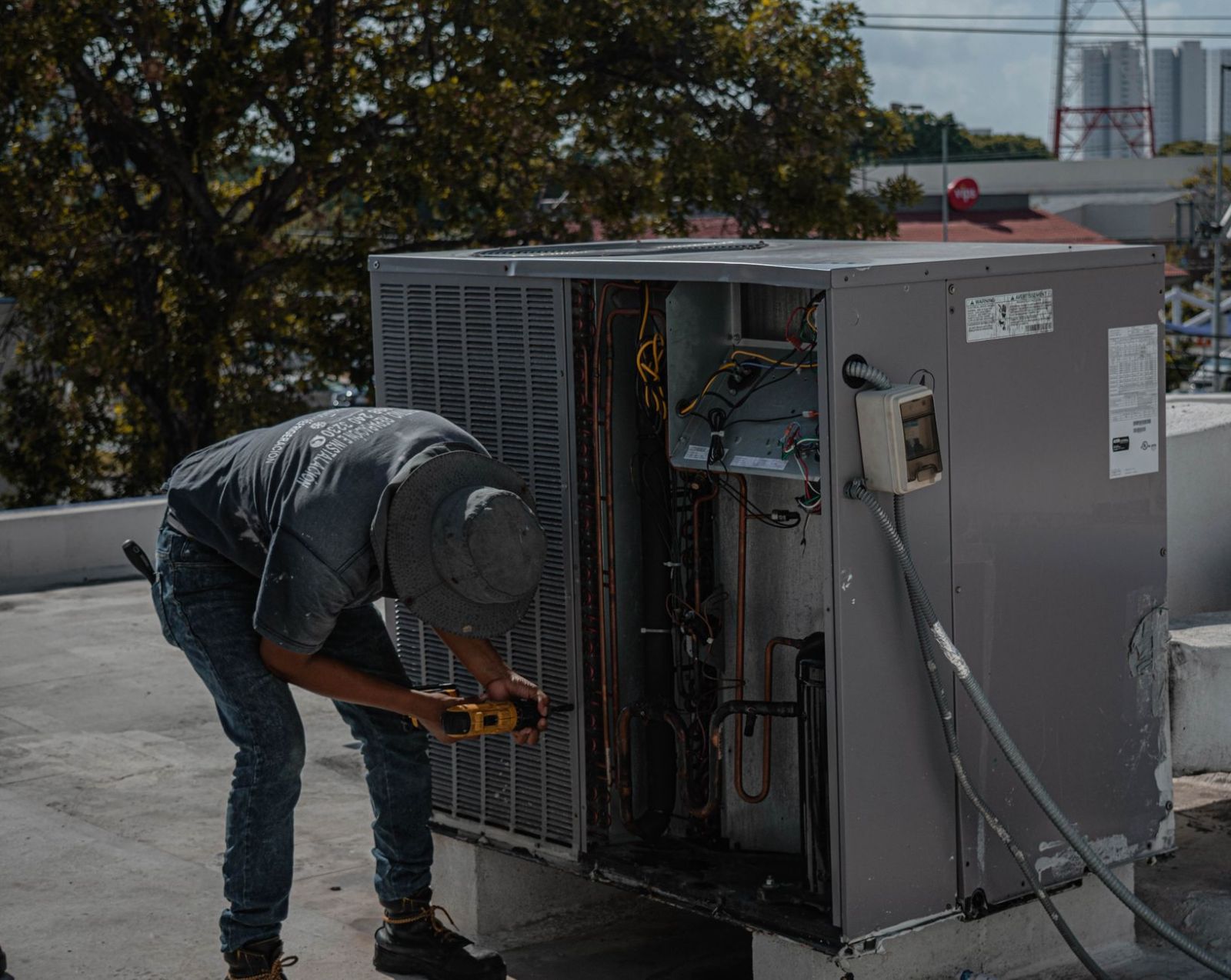
This Housecall Pro review covers what the software does, what each plan costs, where it fits well and where it doesn't. Housecall Pro is field service management software for home service businesses: HVAC, plumbing, electrical, cleaning, landscaping, pest control and dozens of other trades. It handles the path from the first call to getting paid: booking, scheduling and dispatch, estimates, invoicing and payments, plus marketing tools like review requests.
The review is based on Housecall Pro's published pricing page as of October 1, 2026. We haven't run the product in a live business, so this is an assessment of what the plans include and cost, not a hands-on test.
Housecall Pro review: verdict in brief
Housecall Pro is a strong fit for owner-operators and small to mid-size crews who want one app for booking, dispatch, quotes and payments, with published pricing and no long-term contract. The main trade-offs are that several features growing companies want (recurring service plans, route optimization, API access) sit on the top MAX plan, and payment processing adds a percentage on top of the subscription.
Good fit: solo operators up to about eight users (MAX includes eight, then $35 per extra user), residential service work, companies that want customers to book and pay online.
Think twice: large operations with a full office staff and complex reporting needs, which tend to compare platforms built for that scale.
What Housecall Pro does
The core features available from the Basic plan up:
- Online booking. Customers can book and pay online 24/7, directly from Google or your website.
- Scheduling and dispatching. Assign techs to jobs and times.
- Estimates and invoicing. Send quotes by text or email, then invoice in seconds and automate payment reminders.
- Payments and financing. Card and bank payments in the field or online, plus consumer financing for bigger jobs.
- Price book and job costing. Keep service prices current and track what each job costs you.
- Review management. Tools to collect and share customer reviews.
Higher plans add routing, flat-rate pricing, checklists, photo reports, GPS tracking of techs' phones, commissions and QuickBooks Online sync (Essentials), then sales proposals, recurring service plans, route optimization, open API, Zapier and dedicated onboarding (MAX).
Housecall Pro pricing
| Plan | Billed annually | Billed monthly | Users included |
|---|---|---|---|
| Basic | $59/mo | $79/mo | 1 |
| Essentials | $149/mo | $189/mo | 5 |
| MAX | $299/mo | $329/mo | 8, then $35/mo per user |
Card processing starts at 2.59% and bank payments carry a 1% fee. There's a 14-day free trial on MAX with no credit card required. Our Housecall Pro pricing guide goes through each plan and the yearly cost in detail.
Pros
- Published pricing. You can see what each plan costs before talking to sales.
- No long-term contract. Upgrade any time; downgrades apply at the end of the billing period.
- Free trial without a card. Fourteen days on the full MAX plan.
- Customer-facing tools included from Basic. Online booking, online payments and review management aren't held back for higher tiers.
- Spanish support. The app has a Spanish option and Housecall Pro offers Spanish-speaking support.
- Live phone and chat support on every plan.
Cons
- Recurring service plans are MAX-only. HVAC and plumbing companies that sell maintenance agreements need the top plan.
- Basic includes a single user. The pricing page lists an extra-user price only on MAX, so a growing team will usually be looking at Essentials.
- Processing fees add up. At 2.59% and up on cards, a business taking $50,000 a month by card pays well over $1,000 a month in processing, which can outweigh the subscription. Compare rates, not just plan prices.
- Add-ons cost extra. AI call answering, payroll, accounting, vehicle GPS and managed websites are listed separately, and their prices aren't on the main pricing page.
Who should choose Housecall Pro
- Owner-operators who want online booking and payments without paying for features meant for big teams.
- Small crews in residential service trades, especially if techs need routing and GPS (Essentials) or the office sells maintenance plans (MAX).
- Teams with Spanish-speaking technicians.
Housecall Pro alternatives
Depending on what matters most to you:
- Jobber is a frequent comparison for small and mid-size home service businesses; Housecall Pro publishes its own comparison page against it.
- Kickserv is cheaper for small teams: Start is $60 a month billed annually ($75 monthly) for five users.
- GorillaDesk prices by route rather than by user and suits recurring-route trades like pest control and lawn care.
- Tradify charges per user, from $47 a month, which works out cheap for one or two people.
- Service Fusion includes unlimited users on every plan, from $208 a month billed annually.
- ServiceTitan prices per technician on request and is usually evaluated by larger companies with office staff. See our ServiceTitan pricing guide.
We compare these side by side in our field service management app comparison, with trade-specific roundups for HVAC and plumbing.
Before you decide, run the free trial on a week of real jobs: book, dispatch, quote, invoice and take a payment, and have your techs use the mobile app in the field.